Array Methods You Must Know (JavaScript)
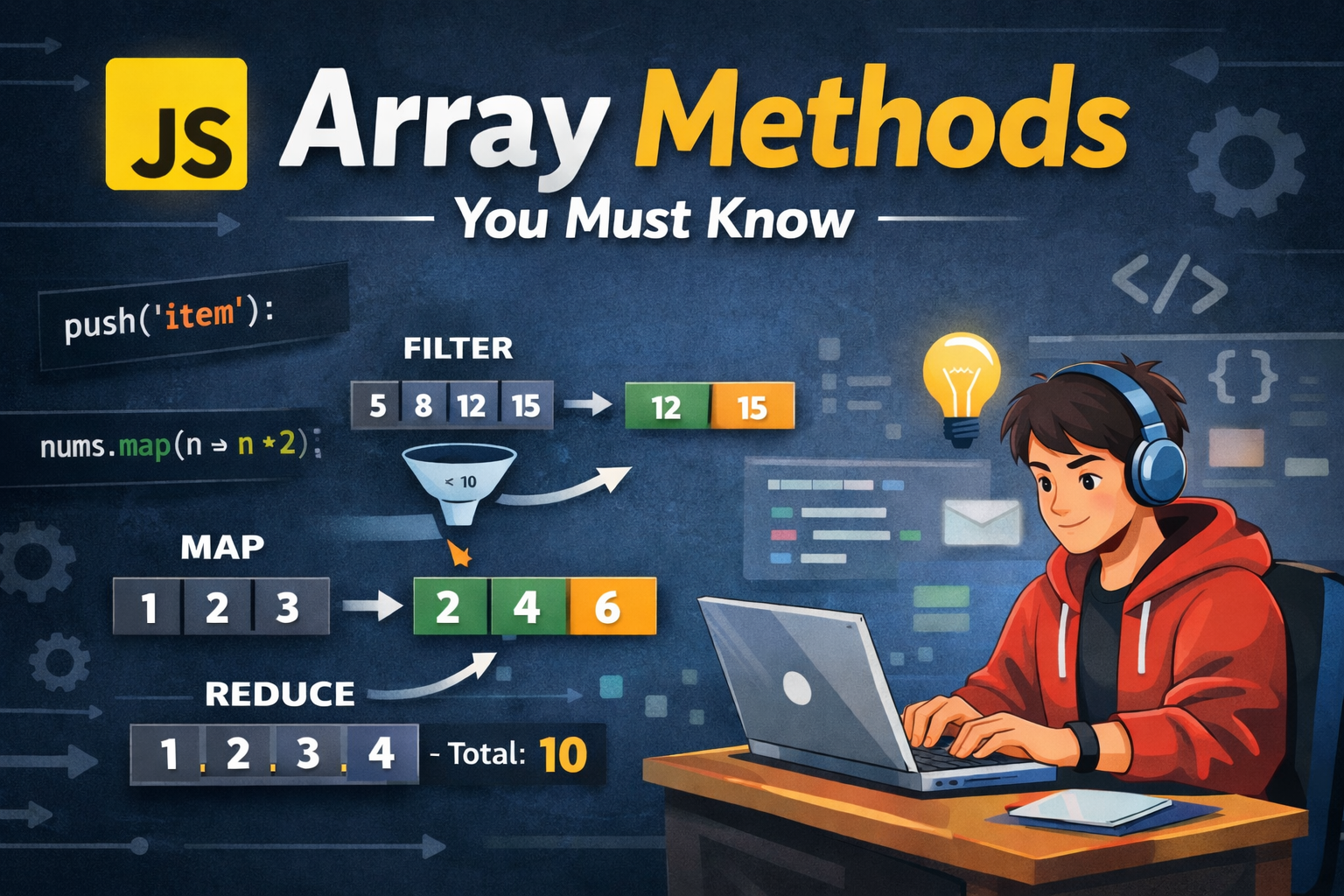
JavaScript arrays are a core part of frontend development. Whether you are working with API responses, managing UI state, or building dynamic features, array methods help you write cleaner and more efficient code. This article covers the most important array methods every beginner should understand, along with simple examples, before-and-after states, and clear explanations.
push() and pop()
The push() and pop() methods operate on the end of an array. push() adds a new element to the end, while pop() removes the last element.
let fruits = ["apple", "banana"];

console.log("Before:", fruits);

fruits.push("mango");
console.log("After push:", fruits);

fruits.pop();
console.log("After pop:", fruits);
Output:
Before: ["apple", "banana"]
After push: ["apple", "banana", "mango"]
After pop: ["apple", "banana"]
These methods follow the Last In First Out (LIFO) concept, similar to a stack.
shift() and unshift()
The shift() and unshift() methods operate at the beginning of an array. unshift() adds an element to the start, while shift() removes the first element.
let numbers = [2, 3, 4];

console.log("Before:", numbers);

numbers.unshift(1);
console.log("After unshift:", numbers);

numbers.shift();
console.log("After shift:", numbers);
Output:
Before: [2, 3, 4]
After unshift: [1, 2, 3, 4]
After shift: [2, 3, 4]
These methods follow the First In First Out (FIFO) concept, similar to a queue.
map()
The map() method is used to transform each element of an array and returns a new array without modifying the original one.
let nums = [1, 2, 3, 4];

let doubled = nums.map((num) => num * 2);

console.log("Original:", nums);
console.log("Doubled:", doubled);
Output:
Original: [1, 2, 3, 4]
Doubled: [2, 4, 6, 8]

The map() method processes each element one by one and produces a new transformed array. It is widely used when you need to modify data, such as formatting values or updating UI elements.
filter() :
The filter() method returns a new array that contains only the elements that satisfy a given condition.
let nums = [5, 10, 15, 20];

let greaterThan10 = nums.filter((num) => num > 10);

console.log("Original:", nums);
console.log("Filtered:", greaterThan10);
Output:
Original: [5, 10, 15, 20]
Filtered: [15, 20]
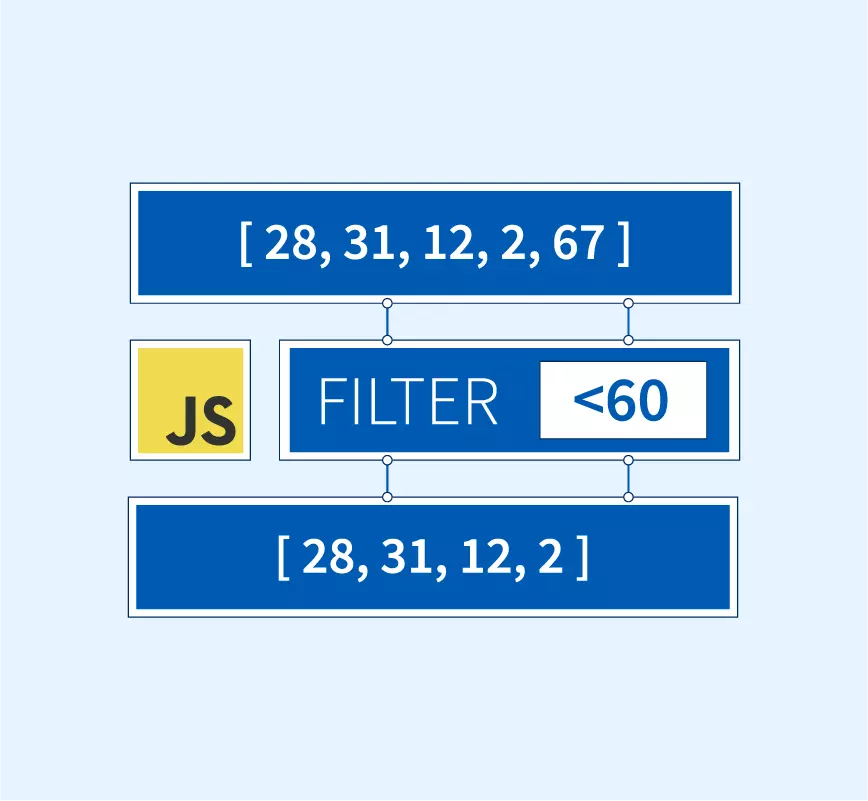

The filter() method evaluates each element and includes it in the new array only if the condition returns true. It is useful when you want to extract specific data from a dataset.
reduce()
The reduce() method is used to combine all elements of an array into a single value. This could be a sum, average, or any accumulated result.
let nums = [1, 2, 3, 4];

let sum = nums.reduce((acc, curr) => acc + curr, 0);

console.log("Sum:", sum);
Output:
Sum: 10
Step-by-step working:
Step 1: acc = 0, curr = 1 → acc = 1
Step 2: acc = 1, curr = 2 → acc = 3
Step 3: acc = 3, curr = 3 → acc = 6
Step 4: acc = 6, curr = 4 → acc = 10
The accumulator (acc) stores the running result, while curr represents the current element. The initial value is set to 0.
forEach()
The forEach() method is used to loop through each element of an array. It does not return a new array.
let nums = [1, 2, 3];

nums.forEach((num) => {
  console.log(num * 2);
});
Output:
2
4
6
This method is useful when you only need to perform an action on each element, such as logging or updating values, without creating a new array.
Traditional for loop vs map() and filter()
Using a traditional for loop:
let nums = [1, 2, 3, 4];
let result = [];

for (let i = 0; i < nums.length; i++) {
  result.push(nums[i] * 2);
}

console.log(result);
Using map():
let result = nums.map((num) => num * 2);
The map() and filter() methods make code shorter, more readable, and easier to maintain compared to traditional loops.
Assignment Practice(For handsOn on JS)
Try the following example in your browser console:
let numbers = [5, 10, 15, 20];

let doubled = numbers.map((num) => num * 2);

let filtered = doubled.filter((num) => num > 10);

let total = filtered.reduce((acc, curr) => acc + curr, 0);

console.log("Doubled:", doubled);
console.log("Filtered:", filtered);
console.log("Total:", total);
This exercise helps you understand how these methods work individually before combining them.
Key Takeaways
push() and pop() modify the end of the array
shift() and unshift() modify the beginning of the array
map() transforms elements into a new array
filter() selects elements based on a condition
reduce() combines all elements into a single value
forEach() is used for iteration without returning a new array


